
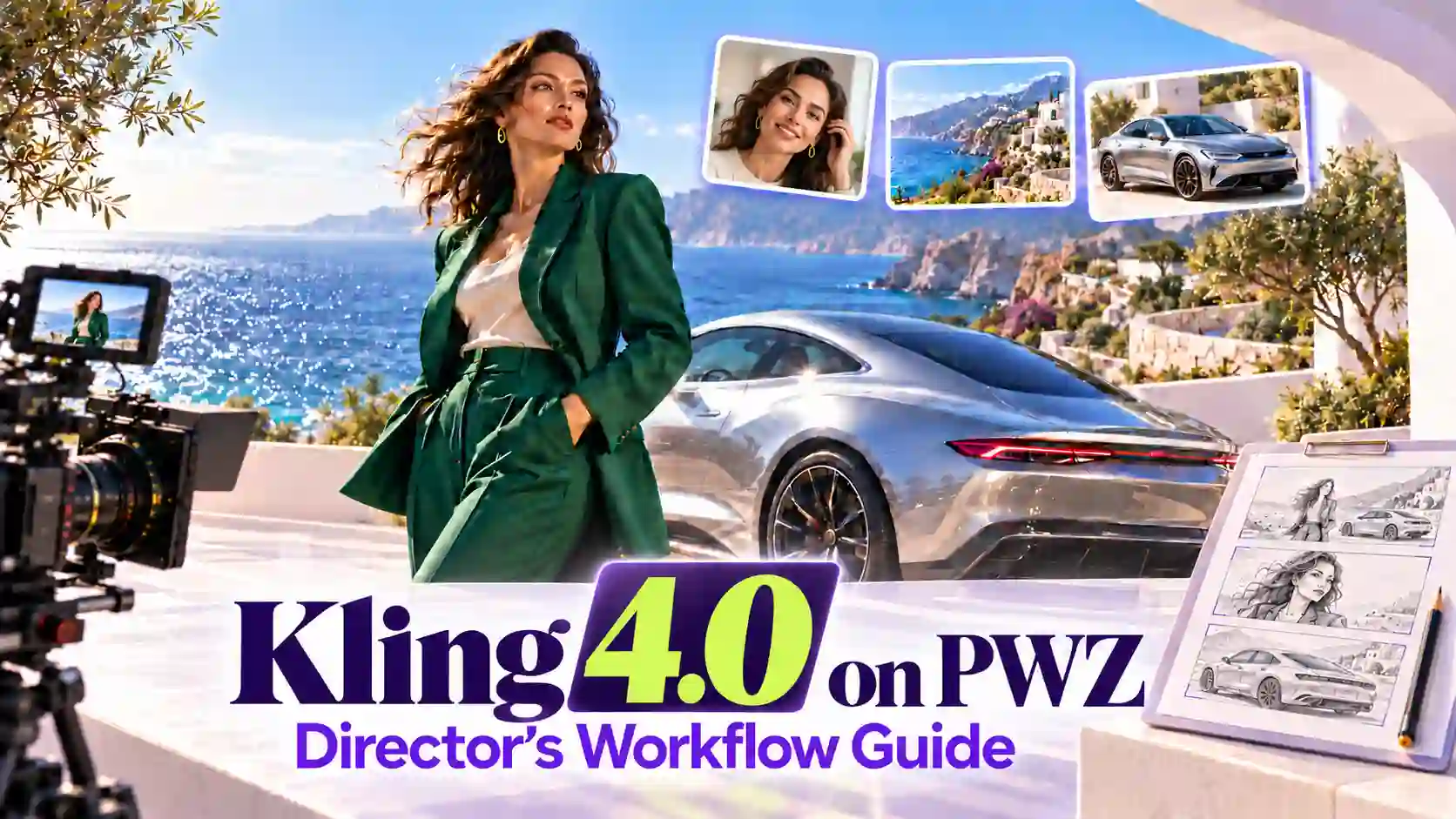
Kling 4.0 officially launched on October 15, 2026. The release introduced native video generation up to 30 seconds, multi-keyframe control, and Omni Reference, giving creators more ways to direct AI video scenes.
Kling 4.0 is now available on PWZ, where you can use keyframes to plan important visual moments or references to guide your scene’s appearance and movement.
A useful Kling 4.0 director workflow starts before generation: decide what the audience needs to see, choose the right inputs, and describe how the scene should unfold.
TL;DR: Create Like a Director with Kling 4.0
Kling 4.0 Release Date: October 15, 2026.
Use keyframes when specific visual moments matter. Plan the opening, turning points, and ending, then describe the action connecting them.
Use Omni Reference when your direction comes from existing assets. Assign clear roles to character images, scene images, and relevant action or camera references.
Write movement explicitly. Positions, action order, camera paths, and transitions help make your intended sequence readable.
Review before adding complexity. Identify whether a mismatch comes from the inputs, timing, or direction, then revise the relevant part.
Plan Your Kling 4.0 Video Workflow
Give every moment a purpose.
Before uploading assets, write a short creative brief. Define the subject, what changes during the scene, and what the viewer should understand by the end.
Keep four decisions clear:
Subject: The person, product, or object that holds attention.
Story: The starting situation, meaningful change, and final state.
Camera: What must be visible, and why the camera moves.
Duration: Enough time for the intended actions and reactions to register.
Kling 4.0 supports videos up to 30 seconds, but choose the duration around the scene. Extra time is useful when it gives an action room to develop or lets an emotional response land.
Next, choose the control route that matches your materials:
Your starting point | Best route to consider |
Specific images must appear as important visual moments | Keyframes |
Separate assets define appearance, setting, action, or camera movement | Omni Reference |
Treat these as alternative generation routes. The Kling 4.0 Generator distinguishes the Keyframes and Omni Reference entries and states that their capabilities cannot be combined within one generation task. Follow the options available in the PWZ interface.
Keyframes Control: From Storyboard to Video
Lock the moments that matter.
Kling 4.0 Keyframes Control is useful when the scene depends on reaching recognizable visual states. Your frames establish those moments; your written direction explains how the video moves between them.
Choose Meaningful Frames
Start with the opening and ending.
Add intermediate frames where the story needs a specific change in position, expression, composition, or setting.
Every added frame should resolve an uncertainty. Several nearly identical images may add little direction, while an important missing state can leave a difficult transition underspecified.
The model supports up to ten keyframes. Use the number your scene needs, keeping the sequence easy to understand.
Keep the Sequence Compatible
Review the images together before generation:
Identity and wardrobe: Keep distinguishing features and clothing details consistent.
Space and scale: Check subject size, distance, and relationships to the surroundings.
Movement: Make changes in position achievable within the available time.
Lighting: Keep changes intentional and compatible with the scene.
Large differences between frames may require substantial movement or a scene transition. Describe that change rather than leaving its purpose unclear.
Separate Visual Beats from Cuts
A keyframe marks an important image. It does not automatically mean the video should cut to a new shot.
Specify whether the scene uses continuous movement, a deliberate cut, or a transition between settings.
When turning a storyboard into video with Kling 4.0, distinguish what the image must show from how the camera reaches it.
Omni Reference: Control Characters, Scenes, and Motion
Tell each reference what to contribute.
Kling 4.0 Omni Reference lets you direct from source materials with different purposes. Clear asset roles help communicate which information belongs in the final video.
Before writing the action, organize your references:
Reference | Intended contribution | Clarify in your direction |
Character image | Appearance and wardrobe | Features that should remain consistent |
Scene image | Environment and spatial layout | Whether composition and lighting should carry over |
Action video | Movement and performance rhythm | Which actions to follow |
Camera video | Camera path and shot pacing | Which movement to borrow and which content to replace |
Use descriptive asset labels and the reference controls provided by the interface. Do not assume that the purpose of every upload will be obvious.
Define What Stays and What Changes
A reference may contain useful camera movement alongside an unrelated subject or background.
Specify the part you want to carry over, then identify what your own assets should replace.
Remove Conflicting Instructions
To improve character consistency in Kling 4.0, choose a clear appearance reference. If another asset shows different clothing, lighting, or facial features, explain its limited role or remove it.
Start with a focused set of relevant assets. Add another reference when it answers a specific creative need, rather than increasing the upload count by default.
Write Better AI Video Prompts for Camera Control
Direct what happens between the images.
Visual inputs establish appearance and important states. Prompt writing gives the scene its action, timing, and camera logic.
Organize your direction in the order the viewer will experience it:
starting positions
action sequence
camera movement
transitions and sound
Make Positions and Actions Clear
Establish where the subjects begin, what they face, and where they move.
For interactions, describe who initiates an action and when the other person responds.
Keep simultaneous actions manageable.
If several events must happen in a particular order, state that order clearly and allow time for each event to register.
Give the Camera a Purpose
Describe the subject the camera follows, its direction of travel, the starting framing, and the intended ending composition.
Choose movements that reveal information or support emotion. A restrained move can be effective when it lets the audience read a face, an interaction, or a product detail.
Avoid stacking camera instructions that compete at the same moment.
For Kling 4.0 multi-shot prompts, give each shot a clear job and make the relationship between shots understandable.
Describe the Handoffs
AI video scene continuity depends partly on what connects one moment to the next. Maintain a readable movement direction, preserve relevant object positions, and explain major changes in setting or time.
Add dialogue, ambient sound, or effects where they serve the scene. Keep their timing aligned with the visible action, especially when a sound needs a clear on-screen source.
Review the Cut, Refine the Direction
Fix the decision behind the mismatch.
Watch the first version for meaning and continuity before judging small visual details.
Can you follow the action?
Does the camera show the important moment?
Does the ending feel connected to the beginning?
Use the mismatch to decide what to revise:
What feels wrong | What to check | What to revise |
Character appearance drifts | Conflicting or unclear reference roles | Establish a clear appearance reference |
Position or direction jumps | Starting points and movement paths | Clarify spatial relationships |
Interaction feels abrupt | Missing preparation or response | Specify the action order |
Camera misses the important action | Competing moves or unclear focus | Simplify the path and define the subject |
Story feels rushed | Too many events for the duration | Reduce events or redistribute time |
Change one major variable at a time. Replacing references, rewriting the action, and changing the camera together makes it harder to understand what improved the result.
Start Directing with Kling 4.0 on PWZ
Choose a scene with a clear beginning and ending.
Prepare the keyframes or references that matter most, then describe the movement that makes those inputs work together.
A focused brief gives you a practical starting point for building a repeatable creative workflow.
Create with Kling 4.0 on PWZ and use your first result to refine the direction.
Try Kling 4.0 Generator Online
Kling 4.0 Workflow FAQs
What is the Kling 4.0 release date?
Kling 4.0 officially launched on October 15, 2026, according to Kuaishou’s launch announcement. It is now available on PWZ for AI video creation with keyframes and reference-based control.
Do I need to use all ten keyframes?
No. Start with the essential visual states. Add an intermediate frame when an important moment needs more explicit direction.
Is a storyboard sheet the same as separate keyframe images?
No. A storyboard sheet communicates a sequence for the model to interpret. Separate keyframe images define individual visual moments. Prepare them for the relevant input route rather than treating the formats as interchangeable.
What should I do when references conflict?
Decide which asset controls each aspect of the scene. Limit the other assets to their intended roles, and remove references that introduce unnecessary contradictions.
Does a 30-second video have to be one continuous shot?
No. Duration and shot structure are separate decisions. Specify whether you want a continuous take or multiple shots, and keep the sequence realistic for the available time.