
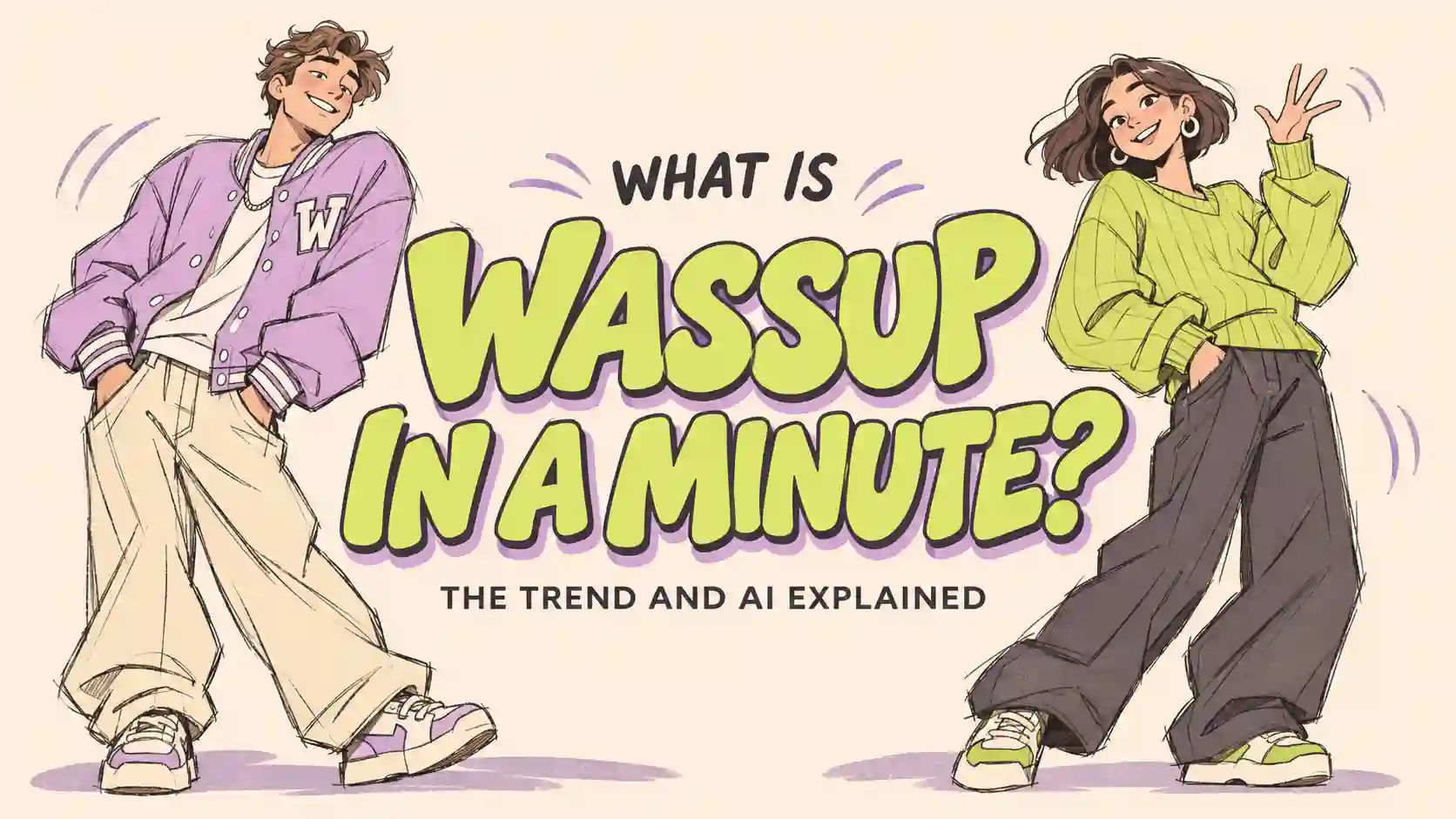
A recognizable character, a repeating movement and the right music can turn a simple image into a memorable short video.
This guide explains the Wassup in a Minute trend and helps you create your own version, from the starting image to the final edit.
TL;DR
Wassup in a Minute is an animation trend associated with characters swaying to a musical hook.
The name identifies the trend, not a required video length.
Use your image for appearance, a motion reference for movement and your chosen audio for rhythm.
Preserve the pose for a cutout animation, or allow connected gestures for a dance remix.
Review the whole clip: timing, continuity and character identity matter more than matching every original move.
What Is Wassup in a Minute?
Understand the format, then make it your own.
Recognize the Format and Its Name
The Wassup in a Minute meme is associated with streetwear anime characters swaying to a Jersey club beat. Simple backgrounds and readable silhouettes are common in early examples, while later versions include other characters and people. Know Your Meme documents the trend.
The name follows the sound used in the edits. You may also find related videos under “wassup been a minute” or “in a minute wassup.” These are useful search variations, not separate production requirements.
From Fan Animation to AI Remakes
A documented early reference is @ristyisvalid’s October 23, 2026 post, featuring Blue Lock artwork credited to @aka_zayy. Know Your Meme’s origin record separates the animation post from its artwork credit.
The streetwear interpretation of Blue Lock characters is also discussed under the fan label Atlanta Lock. AI remakes extend the format to new character designs and personal images.
What Song Does Wassup in a Minute Use?
Match the recording you want to recreate.
The original track is “From Time” by Drake featuring Jhené Aiko, from Nothing Was the Same. The early edit documented by Know Your Meme uses a Jersey club remix credited to Zbee.
To find the right Wassup in a Minute sound:
1.Open the audio attached to the video you are referencing.
2.Compare the speed, vocal cut and beat.
3.Choose the excerpt before setting your video length.
The same search title can lead to different edits. Listen to the version you plan to use before directing the movement.
How to Create Your Own Wassup in a Minute AI Video
Give every input a clear job.
Prepare the Image
Start with one clear subject and a readable pose. Keep the head, hands and shoes visible, with room around the silhouette for leaning.
Fix errors in the starting image first. Animation adds another layer to review; it is easier to begin with a character you already like.
Assign Your References
Open PWZ Studio, select Seedance 2.5 and use the appropriate reference mode. PWZ describes support for image, video and audio references.
Input | Its role |
Character image | Appearance and starting pose |
Motion reference | Sway or dance movement |
Audio excerpt | Musical timing |
If the motion reference contains several people, specify which figure to follow or crop it to one subject.
Generate, Review and Edit
Start with a short draft of roughly 5–10 seconds, using the available settings. Keep the video and audio lengths close.
Watch with sound before adding effects. Use your editor to refine audio placement, shadows and character changes, and keep the original output for comparison.
Creative Ways to Use the Wassup in a Minute Trend
Give the movement a purpose beyond the trend.
Create a Personal Style Clip
For an outfit post or creator introduction, a distinctive pose can do much of the storytelling.
We first created a realistic fashion portrait, then restyled it as a semi-realistic cartoon character. We kept the coral-orange jacket, charcoal trousers, silver headphones and full-body framing. One hand touches an earcup; the other rests at her hip.
During image design, we found that the headphones and hand placement gave the character a clear visual signature. Those details provide useful checkpoints once the image starts moving.
What we learned during image design:
preserve the features that make the pose recognizable. Add movement around that identity.
Try this approach
Choose one strong clothing color and quieter supporting pieces.
Keep the pose clear from head to shoes.
For a cutout sway, move the complete silhouette together.
Starting prompt
Sway the character smoothly from side to side as one cutout. Preserve her face, pose, outfit and headphones. Fixed camera, full body visible.
Check the farthest lean, where cropping or pose changes may become easier to notice. Compare the hand against the earcup and the shape of the sleeves and trousers.
If the arms begin performing separate gestures, try:
Preserve the original pose. Move the whole silhouette as one unit.
Extend the idea:
Create another outfit with the same framing, then switch looks on a musical accent. The format can become a recurring style series or a short introduction for a creator profile.
Animate a Brand Mascot
An animated mascot needs a memorable identity before it needs elaborate movement.
We designed a mint-green robot with purple headphones, chunky shoes and a crooked antenna. The rounded body and half-lidded expression establish its playful character, while the pale-lilac background separates the silhouette.
We used a simple palette and matte toy materials to keep attention on the character. That gives the animation a small set of details to preserve: the antenna, face, earcups and proportions.
For your version
1.Establish one expressive starting pose.
2.Request a repeating sway with smooth reversals.
3.Check the character’s structure throughout the movement.
Starting prompt
Sway the whole robot as one rigid cutout. Preserve its expression, antenna, headphones and pose. Smooth reversals, fixed camera, unchanged background.
Our design takeaway:
The expression and silhouette already carry personality. Keep them consistent while you develop the movement.
To prepare a video loop, look for two points with similar positions and the same direction of travel. Trim between them, then replay the join several times. Matching poses alone will not hide a sudden change in speed or direction.
If the robot stretches, try this focused correction:
Keep the body and joints rigid; move the complete silhouette together.
Extend the idea:
Use the loop in a community welcome screen, a social reply or a recurring brand post. Add small brand text afterward so it remains sharp and stationary.
Build a Community Introduction
A relay edit can connect different personalities through one musical phrase.
We prepared three illustrated creators with yellow, blue and burgundy as their main colors. Shared linework and framing give them a common visual identity; individual poses distinguish each person.
For this direction, the original sway is a starting point. Allow relaxed movement that suits the music: small weight shifts, soft knee bends, shoulder accents or an easy hand gesture.
Our creative takeaway:
Keep the musical timing and relaxed attitude as shared rules, while giving each character room for a different performance.
Build your relay
Generate each character separately using a common music reference.
Keep framing, scale and foot position similar across clips.
Let the next character enter on a clear beat or phrase change.
Starting prompt
Create a relaxed groove with small weight shifts and easy gestures. Keep the character recognizable, follow the music and connect the movements smoothly. Fixed full-body camera.
When assembling the clips, give each appearance a role: establish the groove, answer it with a different gesture, then finish on a clear accent. Choose the cuts by listening rather than dividing the timeline into arbitrary equal lengths.
Turn the relay into a dance conversation. A lean can be answered by a shoulder movement, then followed by a small step or relaxed finishing pose. This creates room for more AI dance video ideas without requiring every character to repeat identical choreography.
Use the structure for team introductions, event previews or a series featuring different community members. An optional final shared frame can be assembled from the separate clips in your editor.
Creative Tips for Better Motion, Timing and Loops
Fix the most visible problem first.
Make the Motion Request Consistent
For cutout animation, preserve the pose and move the silhouette. For a dance remix, describe a few connected body movements. Combining a locked pose with independent arm and leg choreography can make the request unclear.
Diagnose Timing Before Regenerating
What you notice | First adjustment |
Every accent is early or late | Shift the audio or video start |
Alignment drifts later | Inspect shorter musical phrases |
The loop jumps | Match pose and movement direction |
A character switch feels abrupt | Align scale, position and cut point |
Moving the starting point will not correct movement that gradually loses the beat. Try a shorter usable section or a subtle speed adjustment; revise the motion if editing cannot preserve a comfortable pace.
Keep Useful Creative Variations
For a freer remix, a changed gesture can be worth keeping when it lands with the music and connects to the next action. For close recreation, compare the movements that matter most with the reference.
Judge the result against your creative goal. A new movement can be a useful interpretation; a sudden freeze or disconnected transition needs attention.
Keep the Subject Readable
Check the widest lean or gesture for clipped hands, shoes and accessories. Keep text away from the moving silhouette. Add shadows as separate editing layers when you need precise control over their position.
Wassup in a Minute FAQs
Do I need the same outfit as the original edit?
No. Adapt the clothes, colors and character style to your purpose. Keep the visual and musical cues that make your version recognizable.
Can I make a Wassup in a Minute AI video with one photo?
Yes. One clear image can start a single-character animation. A motion reference helps communicate a particular performance.
Can I make it without AI?
Yes. Animate an existing illustration with position and rotation keyframes, or film a performance and edit it to music.
Can I use my own music?
You can build a creative variation around your own track. Plan the movement and cuts around its musical phrases.
What if I do not have a motion reference?
Describe one simple, repeatable movement. Review the first result, then clarify the part that needs more direction.